Start with assets
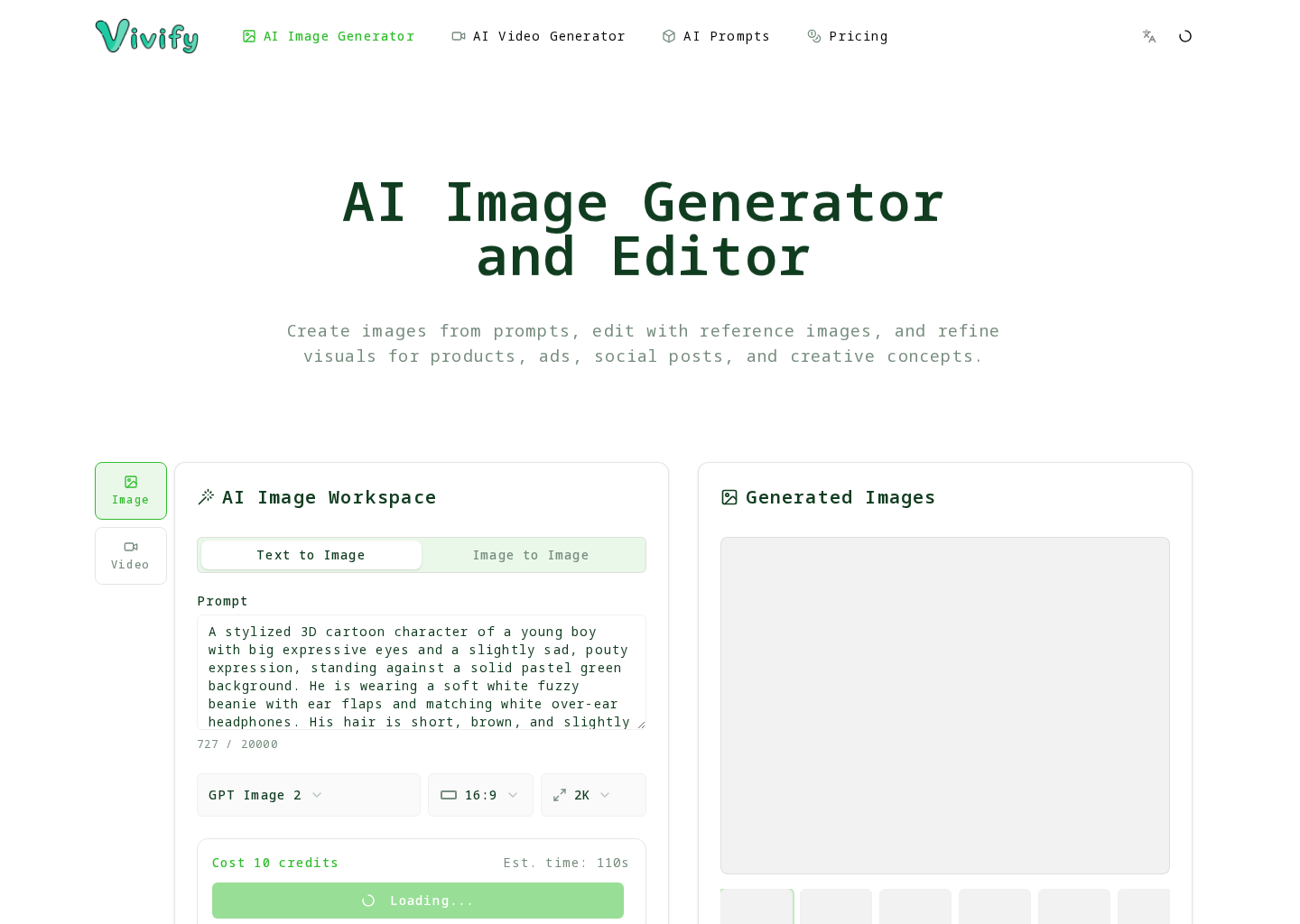
Generate or refine source images before moving into video.
 Vivify on GitHub
Vivify connects image generation, reference editing, and AI video generation into one creator workflow. This GitHub Pages site gives developers and product users a compact map of official repositories, feedback paths, and public mirrors.
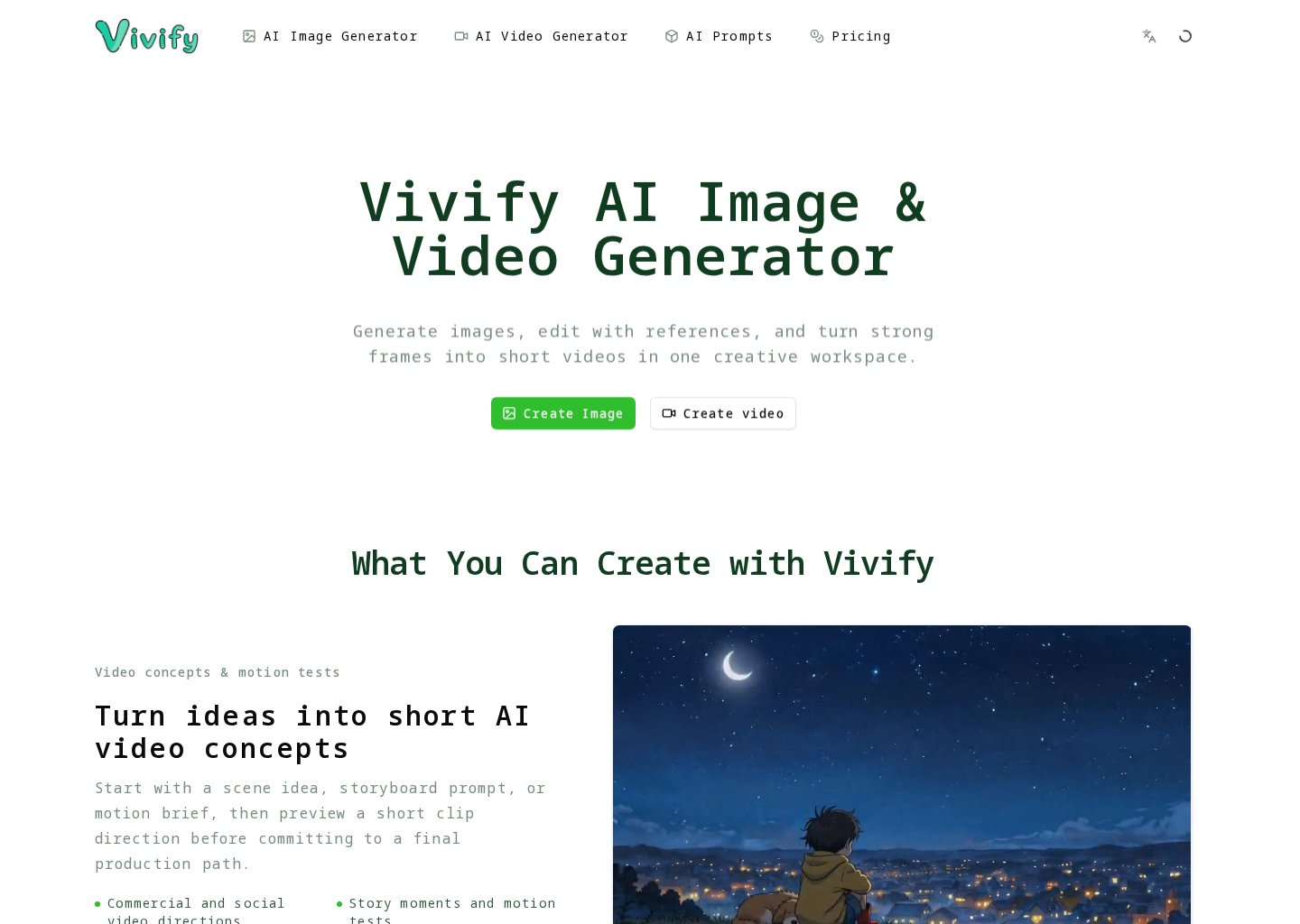
Product-specific entry points for GitHub visitors who want to understand what to report and where to go next.
Generate or refine source images before moving into video.
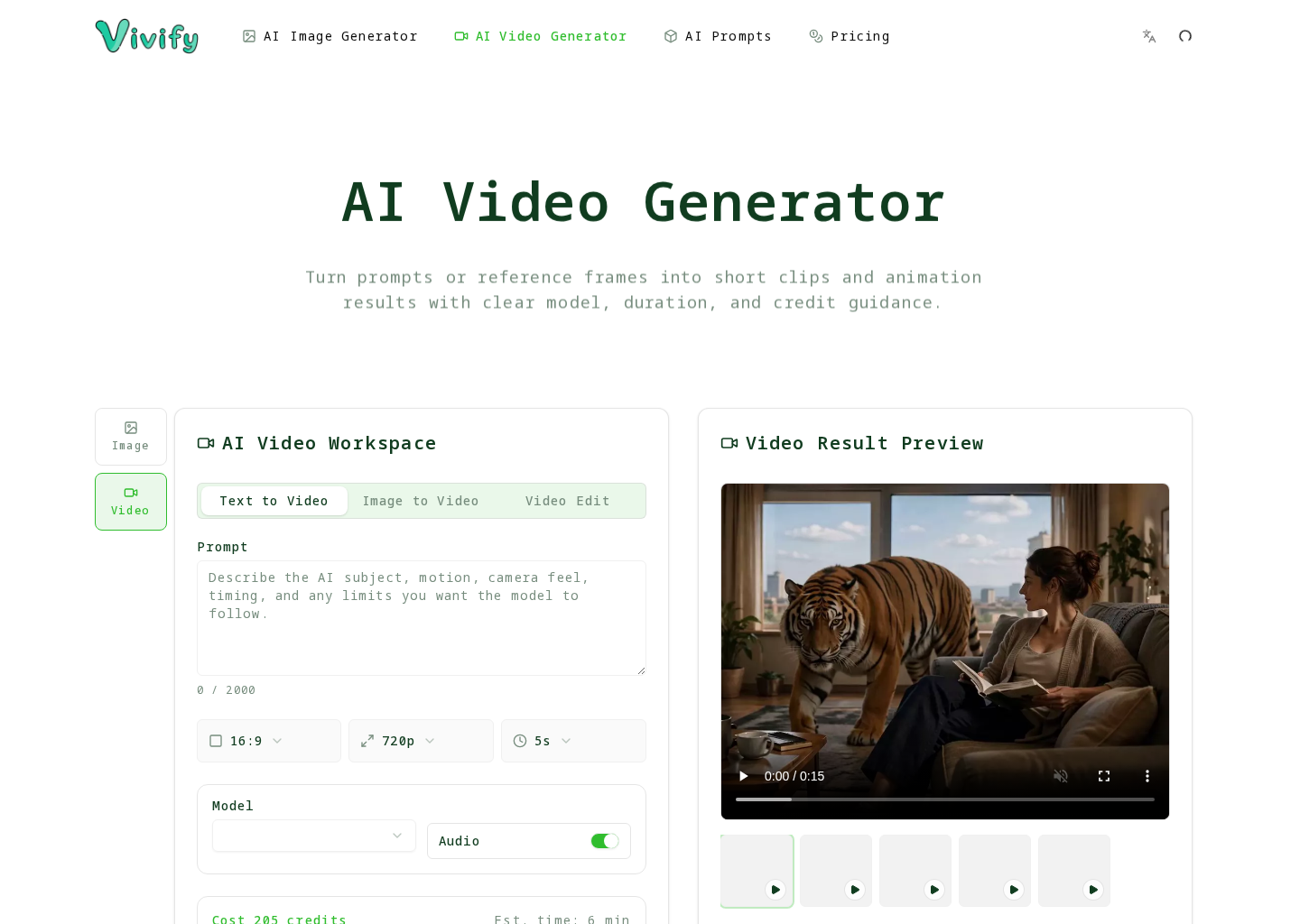
Compare supported inputs, duration, quality, and credit cost before a run.
Turn images and prompts into short AI videos for campaigns and showcases.
Use public issues for workflow, pricing, and model clarity problems.
Visual context from the live product so feedback starts from the real user-facing surface.
GitHub is the canonical public repository. Other platforms are official discovery and feedback mirrors.
Use public issues for product feedback that can be discussed openly. Keep private account, billing, uploaded media, logs, and vulnerability details out of public tickets.